Digitalisation
When Should a Business Stop Using Excel and Build a Custom System?
How to recognise when spreadsheets have become an operational risk, and what to consider before building a custom system.
24 Aug 20268 min read
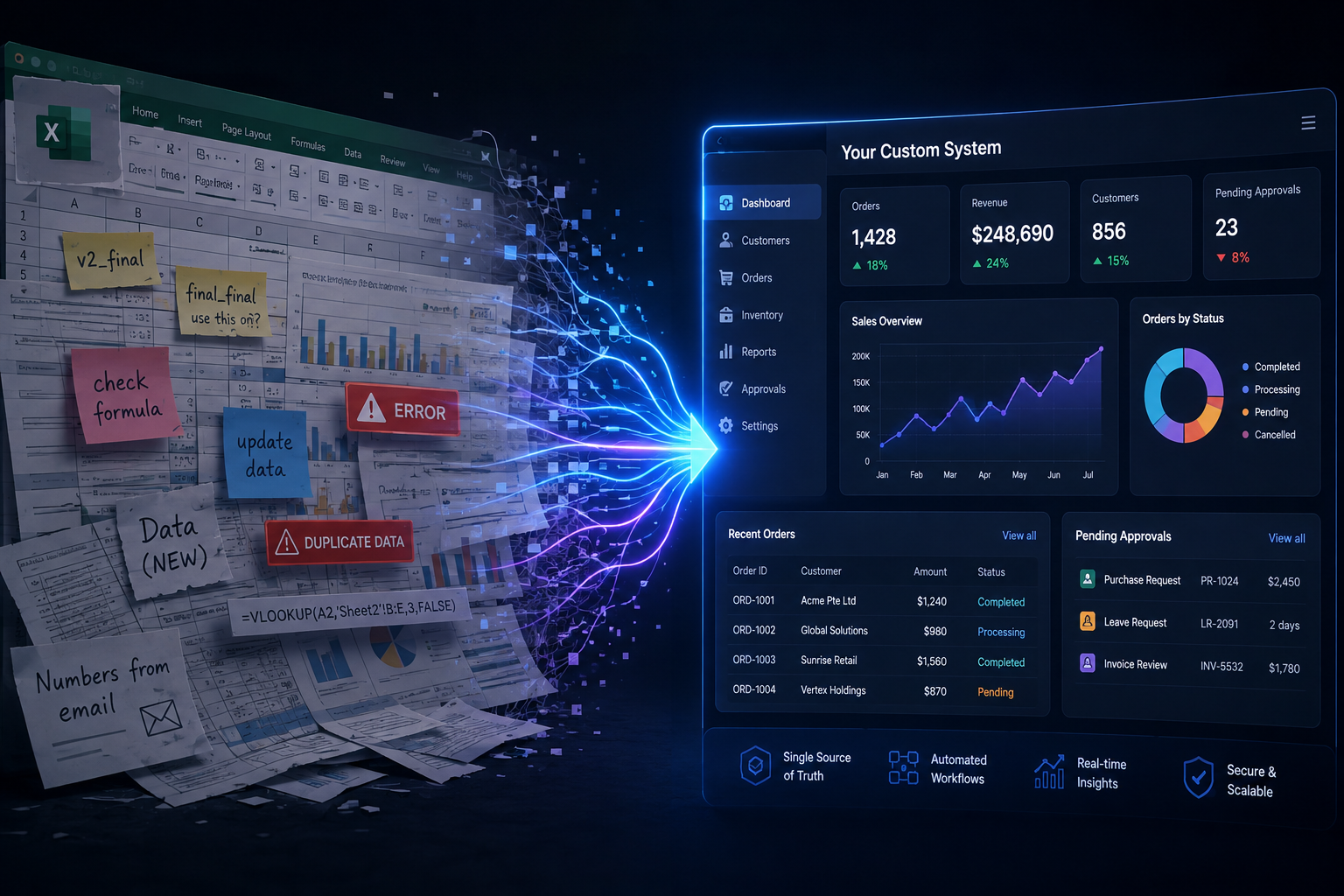
Excel is an excellent tool. It is also where many Singapore businesses accidentally run core operations. The question is not whether spreadsheets are bad — it is when they become a bottleneck that custom software or a structured digital system should replace.
Why Excel becomes the default operating system
Spreadsheets are fast to start, familiar to staff and flexible enough for almost any process. That flexibility is why they spread: one tracker becomes five workbooks, each with its own formulas, owners and informal rules.
Signs Excel is now an operational bottleneck
Duplicated data and conflicting versions
If teams argue about which file is current, or re-enter the same customer and order details into multiple sheets, you no longer have a source of truth — you have a coordination problem.
Version control by email and chat
Files named final_v7_UPDATED.xlsx are a symptom. When WhatsApp or email is the distribution layer, people work on stale copies and errors compound quietly.
Manual reporting every week
If managers wait for someone to consolidate tabs before they can see status, the spreadsheet is slowing decisions. Reporting should be a view of the process, not a separate project.
Weak access control
Shared workbooks often give everyone edit rights to everything. Sensitive margins, salaries or customer data become hard to protect with role-based permissions.
No real workflow automation
Excel can store status columns. It struggles with reliable routing, reminders, audit trails and integrations into accounting or CRM systems. When those needs dominate, a workflow system fits better.
What to consider before building custom software
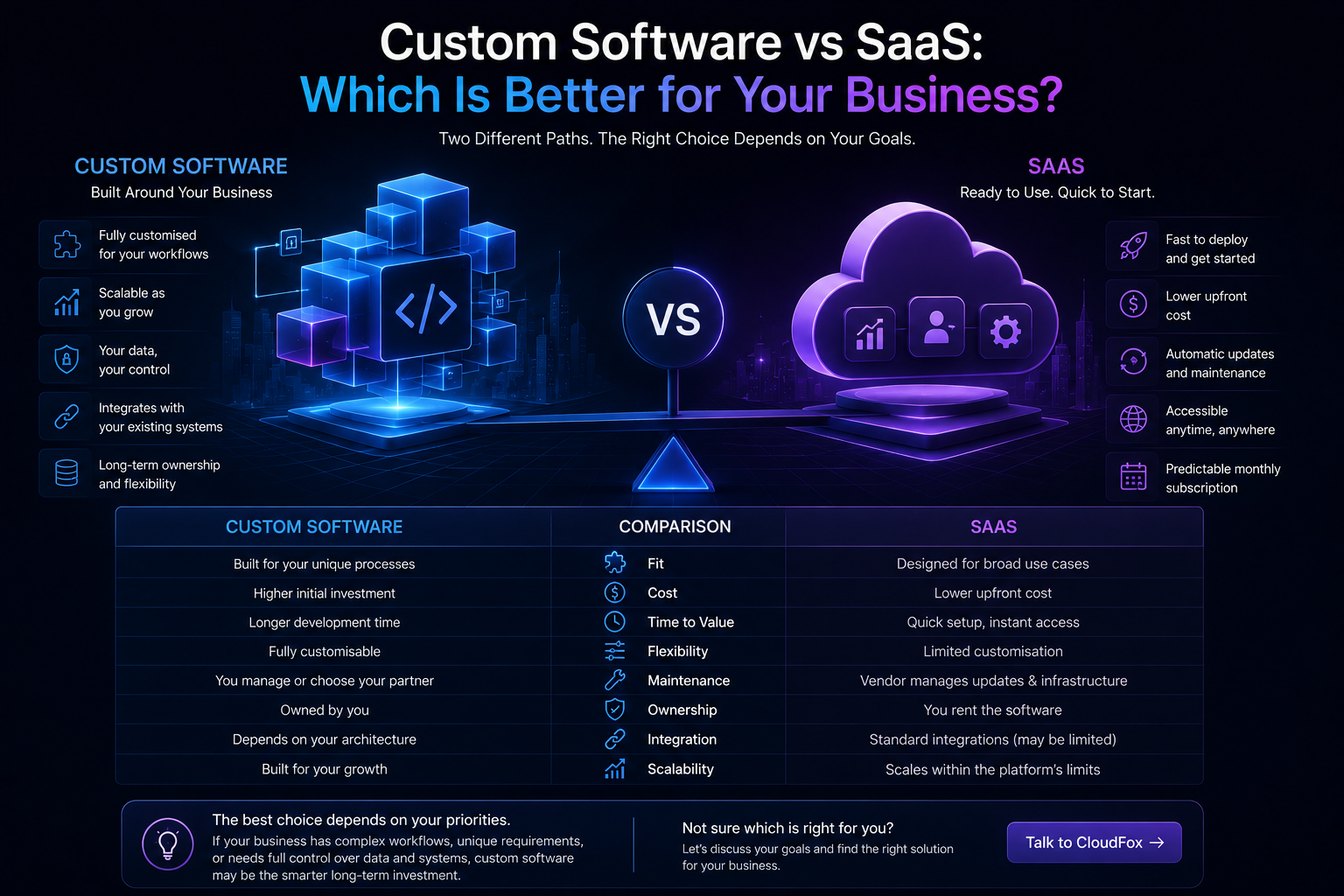
Custom software is not automatically the next step. Sometimes a well-configured SaaS tool, a shared database or a lighter digitalisation project is enough. Build custom when your workflow is distinctive, integrations are central, or off-the-shelf tools force costly workarounds.
Compare options carefully using our custom software vs SaaS guide, and explore CloudFox custom software and digitalisation services when fit is the issue.
A practical decision checklist
- Count how many people edit the same operational workbook.
- List the systems that still require re-keying from Excel.
- Note how long weekly reporting takes end to end.
- Identify approval or audit requirements Excel cannot meet.
- Estimate the cost of one serious versioning or data error.
A staged way out of spreadsheet operations
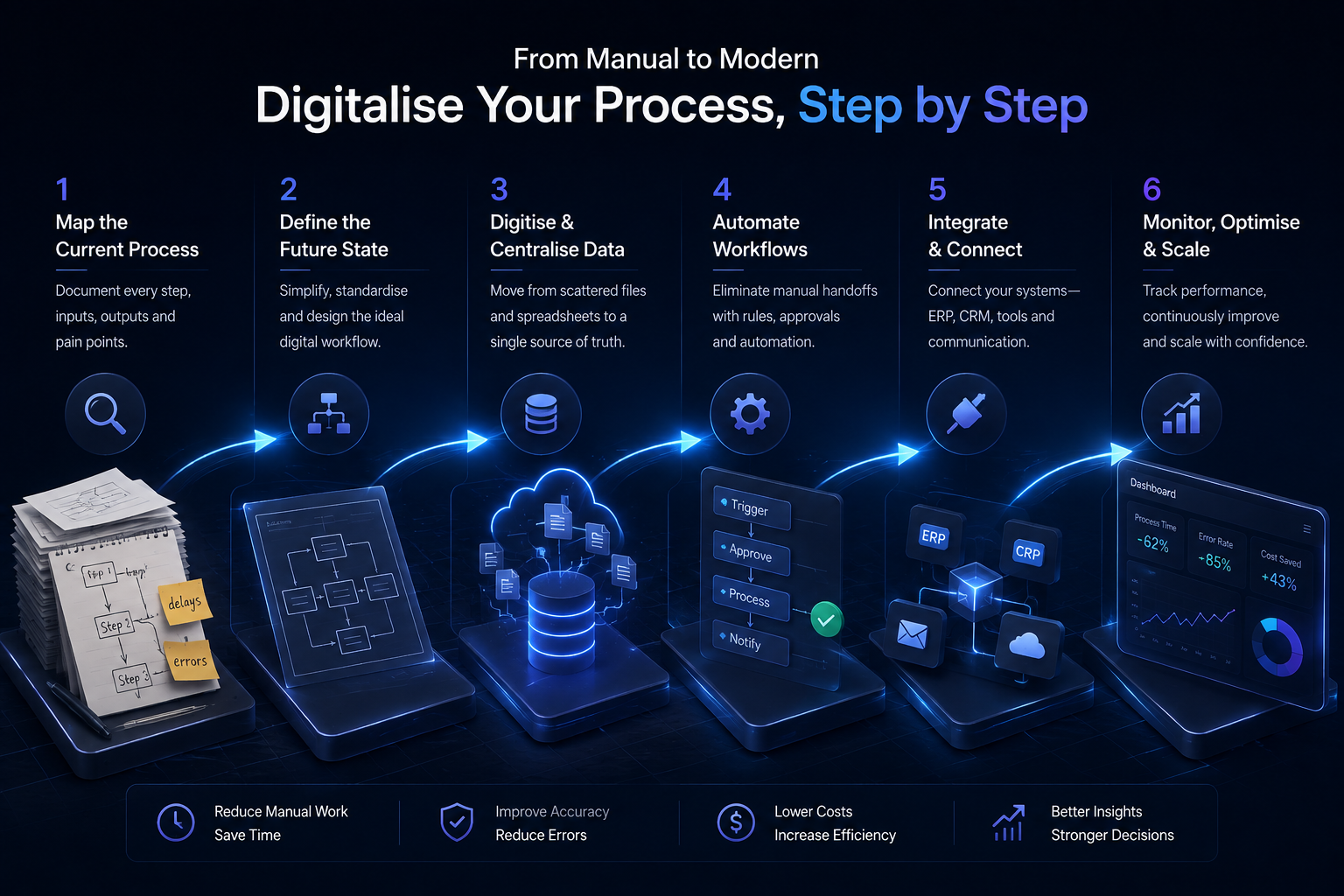
You do not need to rebuild everything at once. Many businesses start by digitising one process — intake, approvals, inventory updates or customer onboarding — then retire the related workbook. Keep Excel for analysis where it shines; move operational control into systems designed for workflow and permissions.
If Excel is carrying a process it was never meant to run, we can help you assess whether digitalisation or custom software is the better next step Talk to CloudFox.