Digitalisation
How to Digitalise a Manual Business Process Step by Step
A clear sequence for turning paper, chat and spreadsheet processes into structured digital operations.
22 Aug 20269 min read
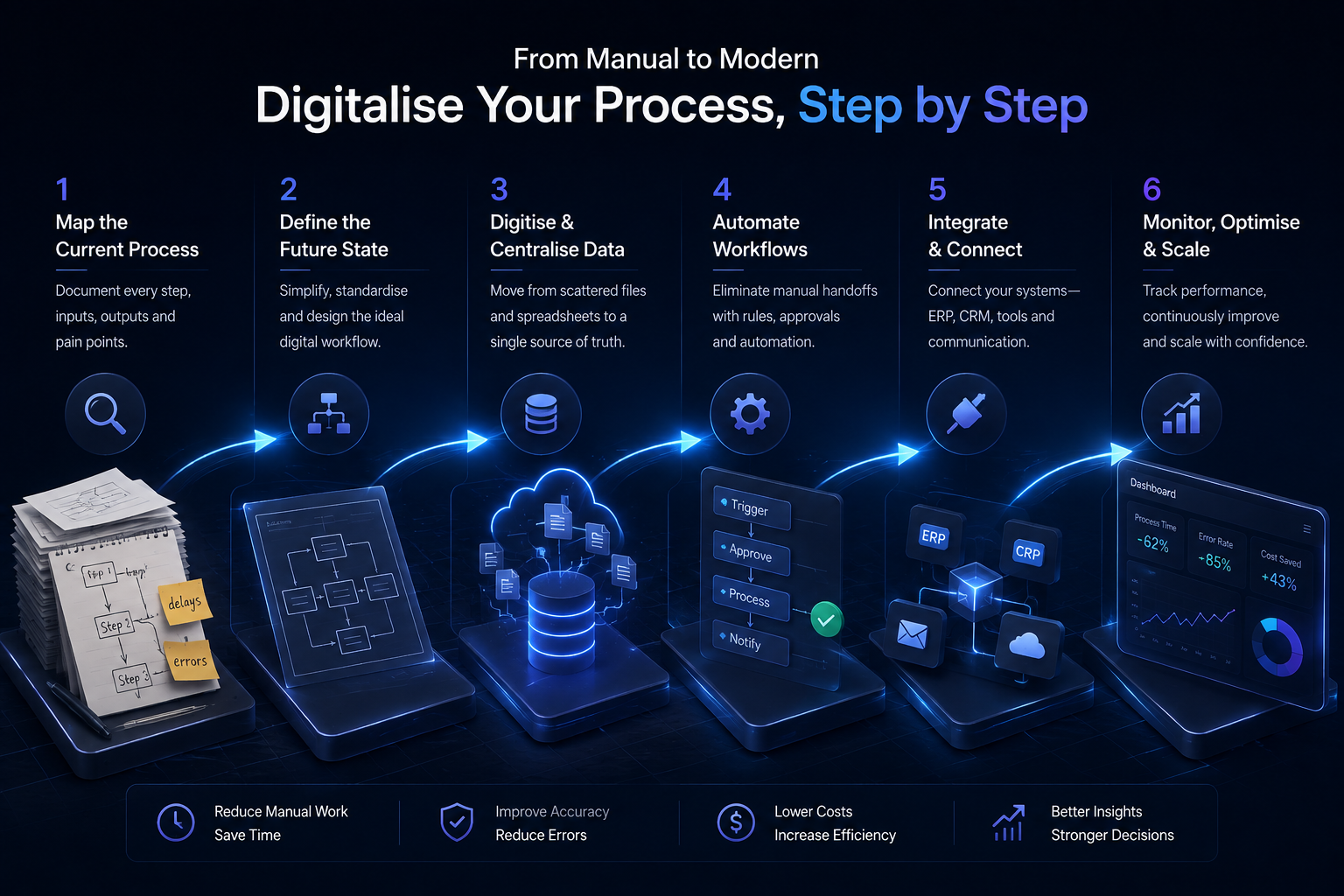
Digitalisation fails when companies buy software before they understand the process. It succeeds when teams turn a messy real-world workflow into a structured sequence: capture, decide, update, and measure.
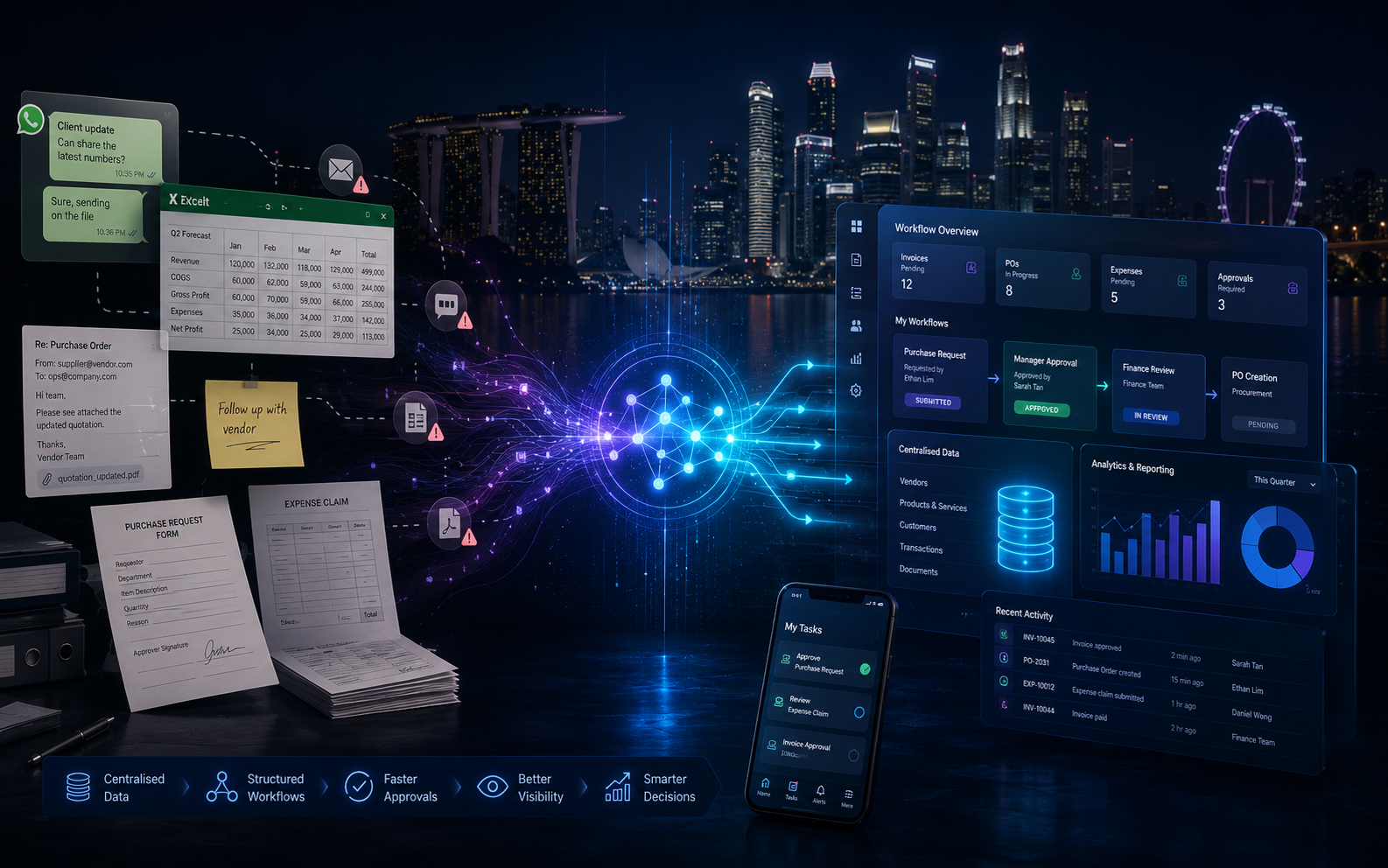
This step-by-step approach is designed for Singapore businesses still running key operations on paper, spreadsheets, email and WhatsApp.
Step 1: Choose one process, not the whole company
Pick a workflow with clear ownership and visible pain — customer onboarding, purchase requests, job scheduling, claims handling or inventory updates. Broad “go digital” programmes stall. Narrow processes finish.
Step 2: Map how work actually happens
Document the real path, including informal shortcuts. Who starts it? What information arrives? Where does it wait? Which tools are touched? Where do errors appear? Include WhatsApp handoffs and “just email John” exceptions — those are part of the process.
Step 3: Define the future structured flow
Translate the map into stages a system can support: intake, validation, assignment, approval, completion and reporting. Decide which data must be mandatory. Decide which roles can see or edit each stage.
Step 4: Replace fragmented capture with structured intake
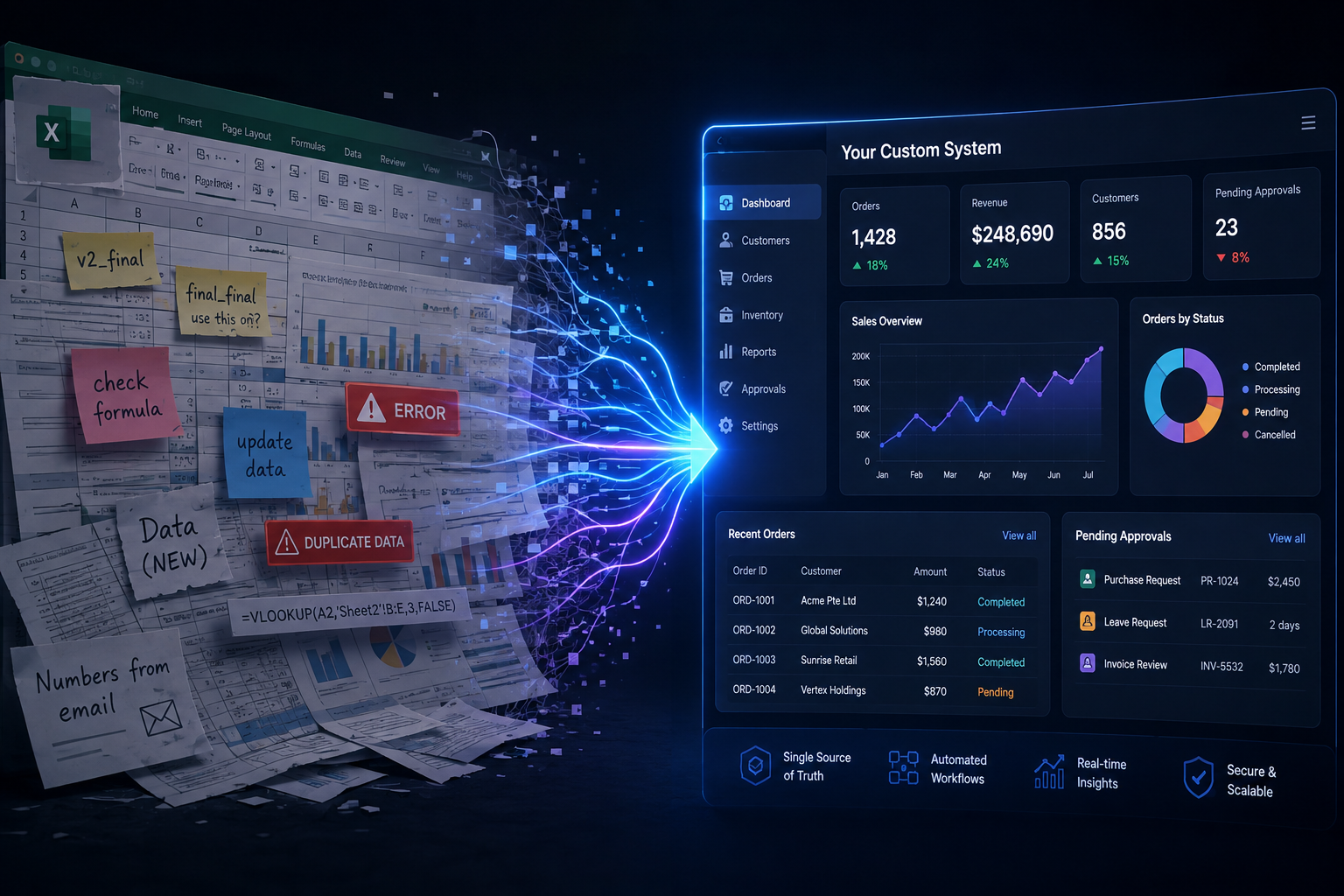
Paper forms and free-text chat become digital forms, portals or standardised request channels. The goal is not prettier paperwork — it is consistent fields that downstream systems can use.
Step 5: Centralise the record
Create one operational record for the case, order or request. Spreadsheets can remain for analysis, but the live status should not depend on who has the latest file.
Step 6: Add workflow rules before heavy automation
Routing, reminders and status changes create immediate value. Full AI automation can come later. Many teams get most of the benefit from structured workflow alone.
CloudFox business digitalisation work often focuses on this foundation so later AI automation has clean processes to attach to.
Step 7: Integrate only what the process needs
Connect accounting, CRM or inventory systems where re-keying still hurts. Avoid boiling the ocean with every possible integration on day one.
Step 8: Train, measure and retire the old path
If the old WhatsApp path remains optional forever, adoption stalls. Set a cutover plan, support the team through exceptions, and track turnaround time, error rates and backlog — not vanity dashboards.
What success looks like
- One place to see status
- Fewer duplicate entries
- Clear ownership at each stage
- Faster approvals with complete information
- A process ready for selective automation later
If you want help digitalising one manual process end to end, tell us how the work moves today Talk to CloudFox.